Home›Articles›M-VAVE FM-1 guide: how to program FM sounds and use the…
Articles

M-VAVE FM-1 guide: how to program FM sounds and use the sequencer

Learn to program the M-VAVE FM-1: operators, algorithms, envelopes, effects, arpeggiator and the 64-step sequencer and arrangement grid added in firmware v16.

Bernardo de Azevedo
Bernardo de Azevedo
· Updated
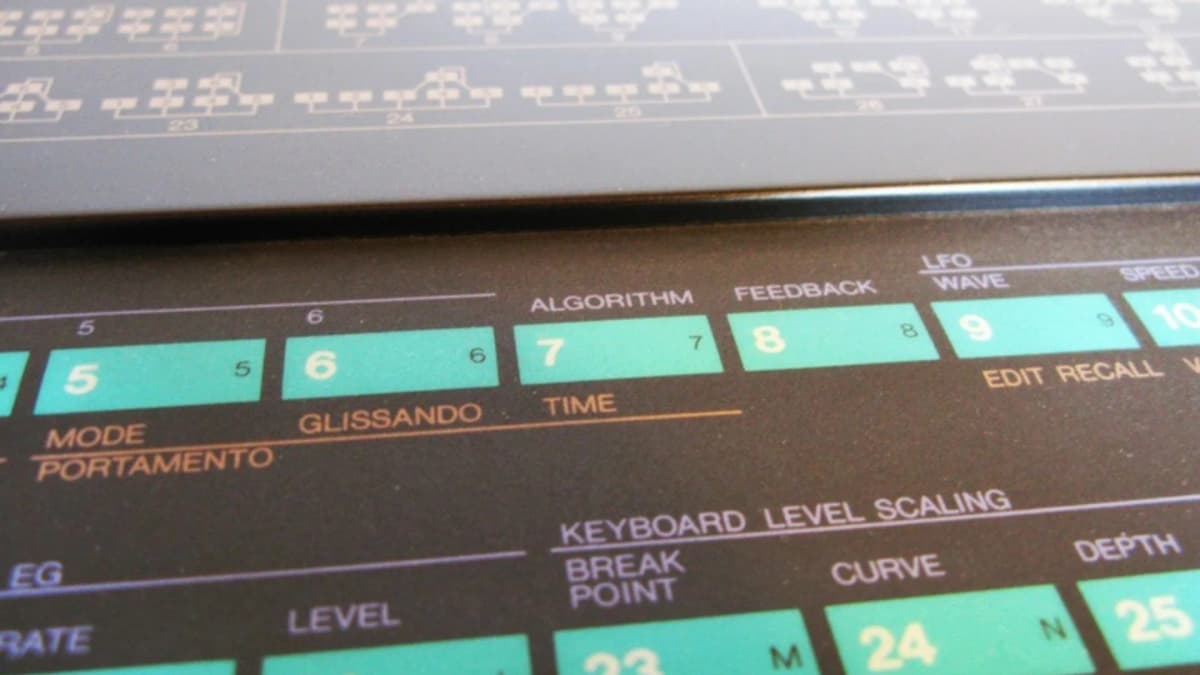
Yamaha DX7 panel with algorithm and feedback buttons, the heart of FM programming

FM programming on the M-VAVE FM-1 starts with the EDIT button: it lights up labelled keys that take you straight to each of the six operators and to the global pages, where the ALGORITHM knob changes how operators are connected and the SELECT knob scrolls through envelope, tuning and scaling parameters. The sequencer and arpeggiator sit on dedicated buttons; since firmware v16 the sequencer offers 64 steps, eight tracks and an arrangement grid. This guide covers both, assuming the official firmware.

Firmware matters here. The FM-1 has changed a lot since launch, so update to the latest official version first. If you run an alternative firmware such as Felucca or SLOOP, the controls work differently and their own manuals apply.

FM programming in one minute

An FM voice is built from operators, each a sine-wave oscillator with its own envelope. Operators that you hear are carriers; operators that bend the pitch of other operators are modulators. The algorithm decides which is which. Raising a modulator’s output level adds harmonics to its carrier, and the frequency ratio between them decides whether those harmonics sound musical (whole-number ratios like 1:1 or 1:2) or bell-like and clangorous (non-integer ratios). Most of FM programming is balancing those two controls over time with envelopes.

Getting around the panel for FM programming

  • PRESETS scrolls through the 128 patches in banks A to D.
  • ALGORITHM changes the operator routing; the screen draws the current algorithm.
  • EDIT opens the sound engine. The first six black keys then select operators 1 to 6, and other labelled keys open the pitch, global and mode pages.
  • SELECT moves through parameter pages; the four parameter knobs change the values shown.
  • FX, ARP, SEQ, REC, GLO and SAVE open their respective sections.
  • OCT− / OCT+ shift the keyboard; transpose is saved globally.

FM programming on the M-VAVE FM-1, step by step

  1. Start from a simple patch. Since firmware V15 you can initialise a voice, so start from an init patch rather than a busy preset.
  2. Pick an algorithm. Choose one with a single carrier and one or two modulators stacked above it to keep things clear.
  3. Set the carrier. Open its operator page and set a ratio of 1 and a full output level. Shape its envelope: the DX7-style envelope uses four rates and four levels rather than a simple ADSR.
  4. Add a modulator. Select the operator feeding the carrier, set a ratio (try 1 for a brassy tone, 2 for a hollow one, 3.5 for a bell), then raise its output level slowly and listen to the brightness change.
  5. Animate it. Give the modulator a faster decay than the carrier so the attack is bright and the tail mellow, the classic electric piano and pluck recipe.
  6. Use the global page. Set feedback, oscillator sync and transpose, and use the LFO to add vibrato or tremolo.
  7. Try the optional amp ADSR. M-VAVE added a simpler ADSR envelope for the amplitude, toggled with its own button, which is handy for quick shaping without editing every carrier.
  8. Name and save. V15 added renaming and copy/replace functions; save to a user slot.

V15 also widened many parameter ranges from 1–10 to 1–100 for finer control, and added a two-mode glide and voice reset in the global section.

Effects for FM programming

The effects chain offers a filter (low-pass, high-pass, band-pass), chorus, phaser, distortion, delay and reverb (room, hall, plate). Each effect has four parameters, including on/off and dry/wet, and you can reorder the chain. With firmware v16, effects moved out of individual sounds into a library of 128 FX groups that apply to the whole instrument, so changing a preset or pattern no longer changes your effects. External MIDI control of the effects uses CC 70 to 93 on the effect channel.

The arpeggiator

The arpeggiator has seven modes (up, down, inclusive, exclusive, bidirectional, random and played order) plus octave range, rate and tempo. A second page holds gate, swing, latch and tempo sync. With v16 it also accepts notes from an external MIDI keyboard, and both the arpeggiator and sequencer transmit MIDI, so you can use them to drive other synths.

The sequencer

Basics (all firmware versions)

  1. Press SEQ, choose a pattern slot, and set mono or poly recording.
  2. Press REC and play notes on the keys or from MIDI; each note fills the next step.
  3. Insert rests with REC and the SELECT knob.
  4. Adjust rate, tempo, gate (20–100%), swing (50–75%), sync and transpose.
  5. Save; patterns survive power-off in their slots.

Firmware V15 added recording of longer notes, custom step lengths and voice binding, which ties a specific sound to a pattern so each pattern can play its own patch.


What v16 adds

  • Up to 64 steps per pattern instead of 16.
  • Eight parts, each with its own preset, on/off, MIDI channel, level, pan, pitch-bend range, glide and fine tune (±100 cents), drawing from 20 shared voices.
  • An 8 × 8 arrangement grid: each row is a part, each cell holds a pattern or stays empty, several rows play at once, and arrangements run from one to eight columns.
  • Queued pattern changes at the end of a cycle, and ratchets of one to four repeats per step.
  • A reorganised GLOBE settings area with pages for voices, performance and connectivity, display and data management.

With v16 the FM-1 becomes a small multitimbral FM groovebox: for example, a bass on part 1, an electric piano on part 2 and bell arpeggios on part 3, arranged into a short song.

Tips for faster FM programming

  • Edit imported DX7 patches rather than starting from scratch; see how to load DX7 banks.
  • Program on a computer with Dexed, then send the result to the FM-1; the patches are compatible.
  • Play from an external keyboard for velocity, which many FM sounds rely on.
  • Back up banks with Bank Export (v16) before big edits.

When to consider other firmware

If you want parameter locks, probability, Euclidean rhythms or song modes beyond the official firmware, look at the community options. We compare them in Felucca, SLOOP and the stock firmware, and our safety-first install guide explains how to switch and return.

Quick answers about FM programming

Where does FM programming start on the FM-1?

FM programming on the M-VAVE FM-1 starts with the EDIT button. It lights up labelled keys that take you straight to each of the six operators and to the global pages.

Which knobs matter most for FM programming?

The ALGORITHM knob changes how the operators are connected, and the SELECT knob scrolls through envelope, tuning and scaling parameters. Together they cover most FM programming work on the FM-1.

Does FM programming change with other firmware?

Yes. This guide assumes the official firmware. If you run an alternative firmware such as Felucca or SLOOP, the controls work differently and their own manuals apply, so update to the latest official version before you start FM programming.

What does the sequencer offer?

Since firmware v16 the sequencer offers 64 steps, eight tracks and an arrangement grid. The sequencer and arpeggiator sit on dedicated buttons, which keeps FM programming and pattern work close together.

Related articles

Sources

Image credits: Yamaha DX7 photo by Leo-setä, Wikimedia Commons, CC BY 2.0. The photo was cropped to fit the featured image.

Bernardo de Azevedo
Written by
Bernardo de AzevedoFounder & Editor

His connection with music began at age 6, in the 1980s, when his father introduced him to Jean-Michel Jarre's Rendez-Vous on vinyl. He works professionally in the legal field, while synthesizers became his space for abstraction and creative exploration. Founder of The Synth Source.