

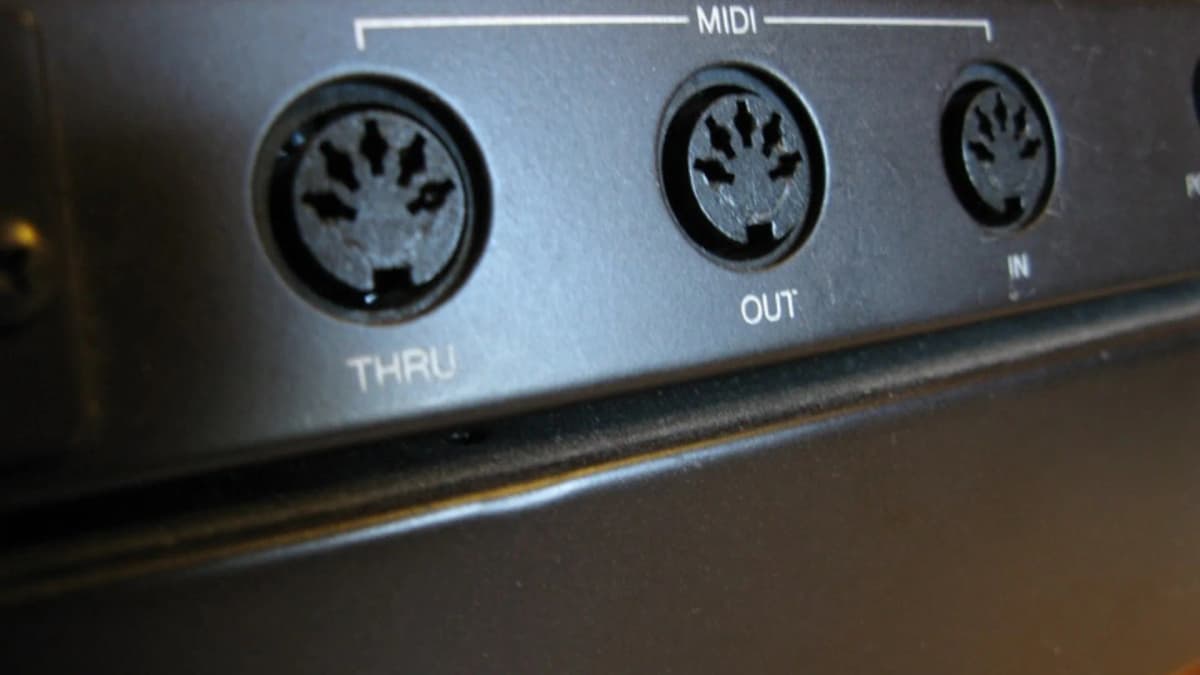
This M-VAVE FM-1 MIDI guide starts with the connections: the synth receives MIDI three ways at once: over USB-C, over Bluetooth MIDI and through a 3.5 mm TRS MIDI input that needs a Type A adapter for 5-pin DIN gear. To play it from a controller, match the FM-1 MIDI channel in the GLO menu, use USB for anything involving SysEx, and remember that the FM-1’s USB port is a device, not a host. Wind controllers such as an EWI work best by sending breath as CC 11 (expression), which official firmware v16 supports, or by switching to the Clipper firmware, which has a dedicated EWI mode.
Table of Contents
M-VAVE FM-1 MIDI connections
| Port | Direction | Notes |
|---|---|---|
| USB-C | In and out | Class compliant on Windows, macOS, iOS and Android; also carries audio and power |
| Bluetooth (BLE MIDI) | In and out | Pairs with computers, phones and tablets; the stock firmware cannot host other Bluetooth controllers |
| 3.5 mm TRS MIDI | In | Type A wiring; DIN-to-TRS adapter not included |
All three inputs work simultaneously. The FM-1’s keys, arpeggiator and sequencer send MIDI over USB and Bluetooth, so it can also act as a small controller for other instruments.
Connecting a USB MIDI keyboard
This is the most common question, and the answer surprises people: you cannot plug a USB-only MIDI keyboard straight into the FM-1. Both devices are USB “devices”, and something has to act as the host. Your options are:
- Through a computer. Connect both to the computer and route the keyboard to the FM-1 in your DAW or a MIDI routing utility.
- Through a phone or tablet. With a USB hub or adapter, apps that route MIDI can bridge the two.
- Through a USB MIDI host box. Small dedicated hosts convert USB MIDI to DIN or TRS without a computer.
- Through TRS. If your keyboard has a 5-pin DIN or TRS MIDI output, use that with a Type A adapter or cable. Many compact controllers include a TRS MIDI out.
One owner documented playing the FM-1 from an M-VAVE SMK-25 over TRS: the key step was setting both devices to the same MIDI channel in the FM-1’s GLO menu, under the FM-1 MIDI settings.
Type A or Type B?
TRS MIDI comes in two wirings. The FM-1 uses Type A, the standard defined by the MIDI Association. If you use a Type B adapter (common with some older Arturia and Novation products), nothing arrives. Synth Anatomy pointed this out to a reader whose TRS input seemed dead and who turned out to have the wrong adapter.
FM-1 MIDI channels and settings
- Open GLO, go to the FM-1 MIDI settings and set the receive channel. In the community’s experience the ALGORITHM knob steps the channel value.
- With firmware v16 the FM-1 is multitimbral: each of its eight parts has its own MIDI receive channel, so a DAW can play several FM sounds at once.
- The browser-based FM-1 emulator found that M-VAVE’s firmware defaults to channel 2 when emulated; this has not been confirmed on hardware, so if nothing plays, try channel 2.
Which FM-1 MIDI messages it understands
The MIDI implementation has grown with each firmware: