Felucca: the common foundation
Felucca, written by Leo Kuroshita of Hügelton Instruments, was the first big open firmware and much of the community’s work builds on it. Version 1.6 offers 13 engines, from virtual analog and four-operator FM to granular, sampler and physical models, plus a six-operator FM6 engine that loads DX7 banks. Four tracks share eight voices, and its 64-step sequencer adds chords, parameter locks, per-step probability and ratchets, conditional steps, Euclidean rhythms, automation recording and a song mode. It also adds stereo effects, a modulation matrix, MIDI learn, program change, USB audio at 44.1 or 48 kHz and a web editor with backups. You can even try it in a browser before installing. Full details are in our Felucca article.
The trade-off is polyphony: eight voices shared by four tracks, against 20 on stock v16.
SLOOP: the live groovebox
SLOOP takes Felucca’s engines and turns the FM-1 into a four-track groovebox: three synth tracks plus a drum machine with sounds on the white keys, twelve engines, dozens of drum kits, sample support, punch-in performance effects, a song mode played by hand and USB audio. Version 2.7 spreads the sound across both of the chip’s processor cores for about twice the headroom, and 2.7.1 fixed a crash that could follow a glitch on the second core. SLOOP’s FM6 tracks import DX7 voices and banks. See our SLOOP article.
Other notable mods
- Clipper (experimental): grown out of SLOOP, it focuses on being one deep instrument with strong MIDI support, including program changes with bank select, CC output and an EWI mode where breath (CC 2) controls volume and cutoff. Useful with wind controllers; see our MIDI guide.
- BAUDGIRL FM-1+VA: adds a virtual analog engine and performance features, and can act as a Bluetooth MIDI host.
- X0X and FoMni: a TR-909/808 and dual TB-303 groovebox, and an Omnichord-style chord harp.
- Groove OS: a paid groovebox firmware that sparked debate in the community.
- FMini-1: a Minimoog-style monosynth.
- Many more, from Melodee and Lunar Modulator to SID chip emulation and dark-ambient instruments. The community-run FM-1 Firmware Hub and a browser emulator that runs dozens of them let you audition before installing.
FM-1 firmware risks and how to stay safe
- Back up first. Export your DX7 banks and projects. Firmware switches do not make project or sample formats interchangeable.
- Keep the way back. Download the official V15/V16 package from M-VAVE. Felucca’s and SLOOP’s installers include a “return to official V15” option.
- Bricking is rare but possible. Community reverse-engineering notes that the update protocol is not a proven recovery method. Felucca documents a hardware rescue route using a small RP2040 board if a unit stays in boot mode.
- Some installers need a specific starting firmware. Owners reported that some installers did not recognise the FM-1 after FM1 Open or newer official builds, so read each project’s notes.
- Experimental means experimental. Expect bugs and frequent updates.
Our safety-first install guide walks through the process.
Which FM-1 firmware should you choose?
- Stay on official v16 if you mostly want DX7 sounds, 20 voices and multitimbral FM.
- Try FM1 Open if you want an official, open, all-in-one track-building setup.
- Install Felucca for the widest sound palette and the deepest sequencer.
- Install SLOOP to jam live with drums and loops.
- Try Clipper if you play the FM-1 mainly from MIDI controllers or a wind controller.
Because switching back is free, many owners try several. That flexibility is a large part of why the FM-1 became so popular; see why the FM-1 is so hackable and our take on AI-assisted firmware development.
Related articles
Sources
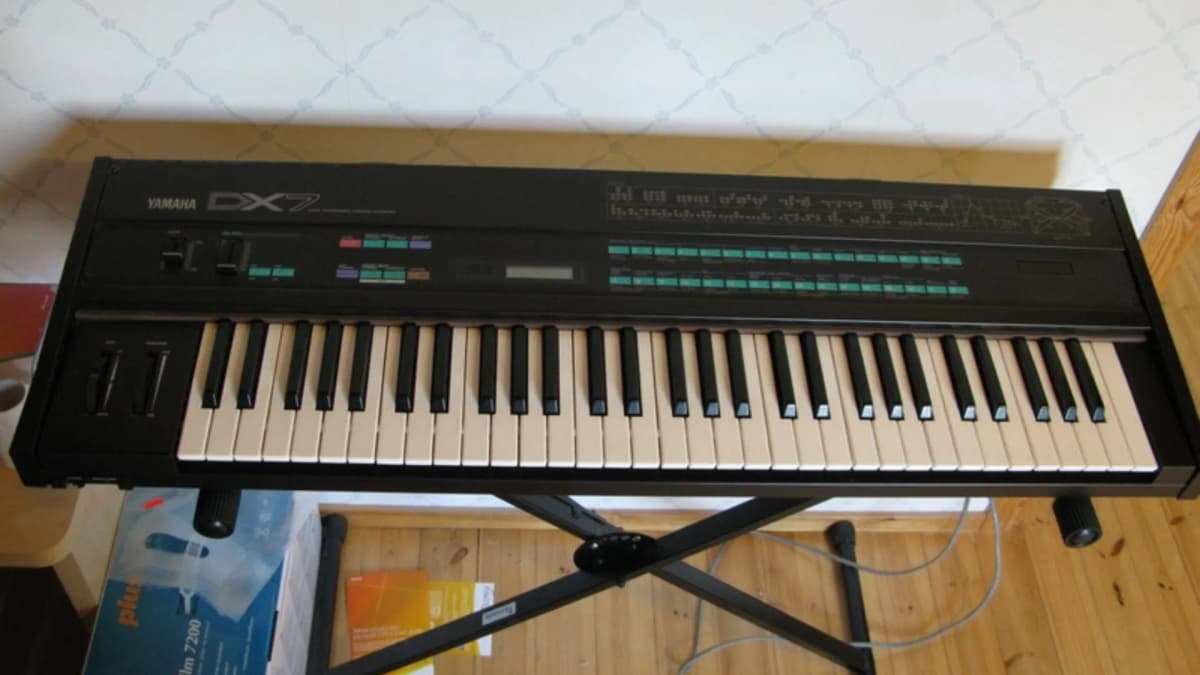
Image credits: Yamaha DX7 photo by Leo-setä, Wikimedia Commons, CC BY 2.0. The photo was cropped to fit the featured image.